Learn how to open Aadhaar PDF password easily using your name and birth year. Simple Aadhaar PDF password guide for mobile and desktop users.
Many people download their Aadhaar card online but get confused when the PDF file asks for a password. This is completely normal because Aadhaar PDFs are protected for security reasons. If you recently downloaded your Aadhaar card and cannot open the file, this guide will help you understand the correct Aadhaar PDF password format in a simple way.
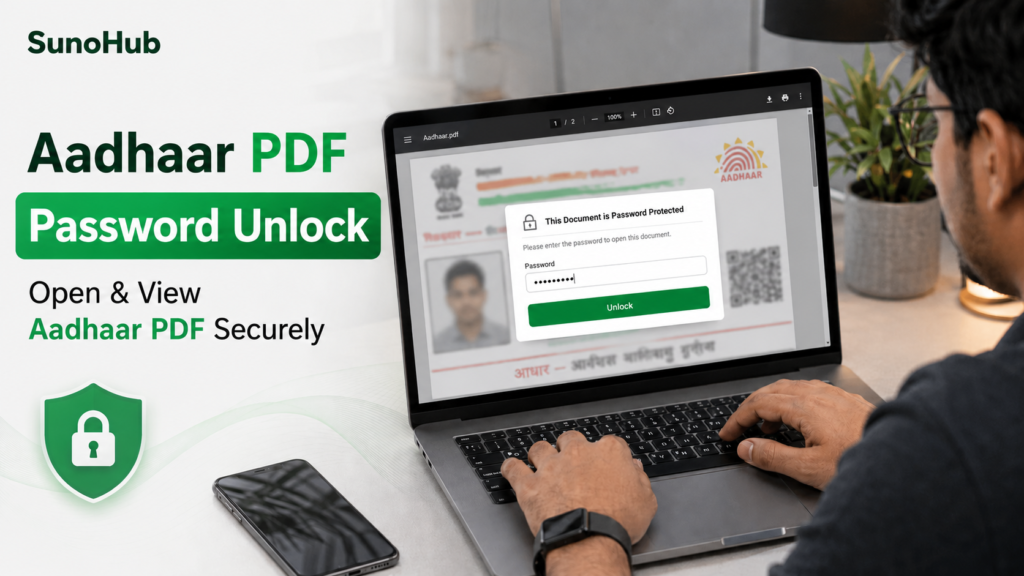
Why Aadhaar PDF Files Are Password Protected
The Aadhaar card contains important personal information such as your name, address and Aadhaar number. To keep this information secure, UIDAI protects downloaded Aadhaar PDFs with a password.
This security feature helps prevent unauthorized access to your Aadhaar details if the file is shared or downloaded on another device.
What Is the Aadhaar PDF Password?
In most cases, the Aadhaar PDF password follows a very simple format:
- First 4 letters of your name in CAPITAL letters
- Followed by your birth year
Example
If your name is:
Rahul Kumar
And your birth year is:
1998
Then your Aadhaar PDF password will usually be:
RAHU1998
How to Open Aadhaar PDF on Mobile or Computer
Opening the Aadhaar PDF is very easy once you know the correct password.
Step 1: Download Aadhaar PDF
Download your Aadhaar card from the official UIDAI website.
Step 2: Open the PDF File
Use any PDF reader app on your mobile phone or computer.
Step 3: Enter the Password
Type:
- First 4 letters of your name in CAPITAL letters
- Your birth year
Step 4: Access Your Aadhaar Card
After entering the correct password, the Aadhaar PDF will open instantly.
Use Our Free Aadhaar PDF Password Tool
If you want to quickly generate your Aadhaar PDF password, you can use our free Aadhaar PDF Password Tool to instantly find the correct password format online.
👉 Open Tool:
https://sunohub.online/aadhaar-password/
Common Mistakes While Entering Aadhaar Password
Many users enter the wrong password because of small mistakes. Here are some common issues:
- Using lowercase letters instead of CAPITAL letters
- Entering the full name instead of first 4 letters
- Using incorrect birth year
- Adding spaces accidentally
- Using nickname instead of official Aadhaar name
Always check your Aadhaar name carefully before entering the password.
Can Aadhaar PDF Be Opened on Mobile?
Yes. Aadhaar PDFs can easily be opened on:
- Android phones
- iPhone
- Windows laptops
- Mac devices
- Tablets
You only need a basic PDF reader application.
Is Aadhaar PDF Password Same for Everyone?
No. Every Aadhaar holder has a different password because the password depends on:
- Your name
- Your birth year
So each Aadhaar PDF has its own unique password format.
Important Safety Tips
To keep your Aadhaar information secure:
- Never share your Aadhaar password publicly
- Avoid uploading Aadhaar PDFs on unknown websites
- Use official UIDAI services only
- Keep personal documents private
- Avoid downloading Aadhaar files on public computers
Final Words
Opening an Aadhaar PDF becomes very easy once you understand the password format correctly. Most users can access their Aadhaar card within seconds by entering the first four capital letters of their name along with their birth year.
If you regularly use Aadhaar documents online, remembering this format can save time and avoid confusion in the future.