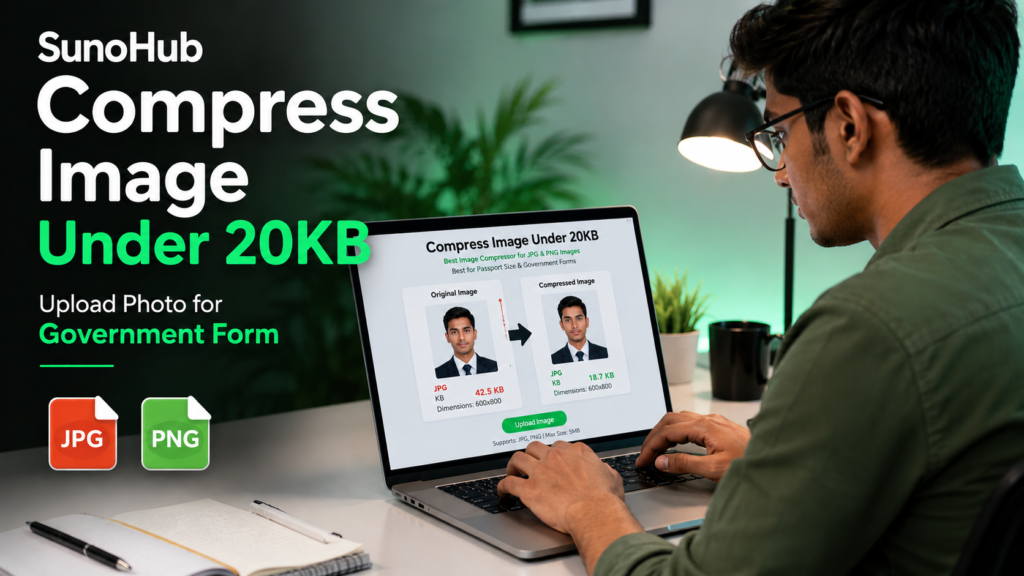
Nowadays many government forms, job applications and online portals require users to upload images under 20KB. This can be frustrating because photos taken from mobile phones or cameras are usually much larger in size.
The good news is that you can now compress images online in just a few seconds without installing any software or apps.
Why Do Websites Ask for Images Under 20KB?
Most government and educational websites use image size limits to reduce server load and improve upload speed. Smaller image files also help websites process applications faster.
You may need images under 20KB for:
- Government exam forms
- Passport applications
- Aadhaar and PAN uploads
- Job application portals
- College admission forms
- Online verification systems
Best Way to Compress an Image Under 20KB
One of the easiest methods is using an online image compression tool. SunoHub allows users to reduce image size quickly while maintaining decent image quality.
Steps to Compress Image Under 20KB
- Open the Photo Resize Under 20KB tool on SunoHub.
- Upload your JPG, PNG or WEBP image.
- Enter the target size as 20KB.
- Click on the Compress button.
- Download the optimized image instantly.
Tips for Better Image Compression
If your image is still larger than 20KB after compression, try these tips:
- Use JPG format instead of PNG
- Reduce image dimensions slightly
- Crop unnecessary background areas
- Avoid ultra high-resolution photos
- Use balanced quality settings
Can Image Quality Be Maintained?
Yes. Modern image compression tools use smart optimization techniques to reduce file size while keeping the image visually clear. In most cases, the difference in quality is barely noticeable.
Supported Image Formats
Most online image compressors support:
- JPG
- JPEG
- PNG
- WEBP
Compress Images Online for Free
SunoHub provides a free and easy solution for reducing image size under 20KB. The tool works on both mobile and desktop devices and does not require registration.
Whether you are filling out a government form or uploading a passport-size photo, the tool makes the process simple and fast.
Final Words
Compressing images under 20KB is no longer difficult. With the right online tool, you can reduce image size quickly without losing quality or wasting time.
If you regularly upload documents online, keeping your images optimized can help avoid upload errors and speed up the application process.